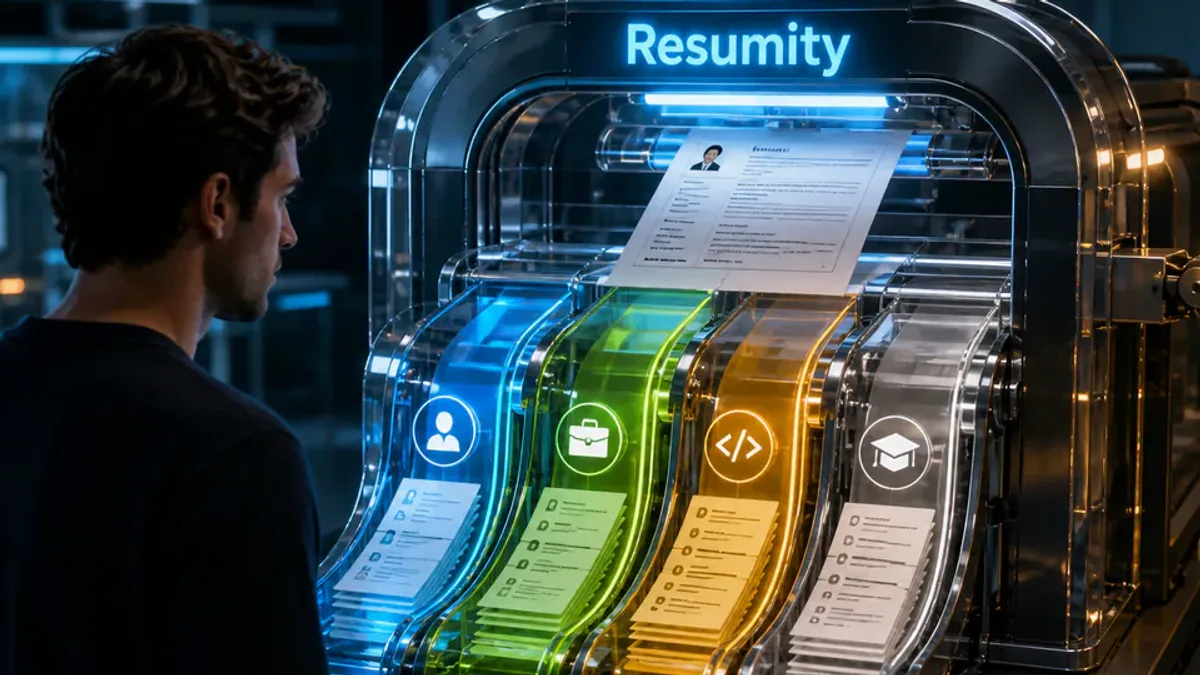
Free ATS Resume Checker
Check whether software can read your resume before you apply. There is no sign-up and no upload: the check reads your PDF in your browser and shows how much text it extracted, which sections it found and a ranked list of fixes.
TL;DR
An ATS resume checker tests whether software can read your resume. Resumity’s is free and needs no sign-up: your PDF is read in your browser, and the check looks at text extraction, the Experience, Education and Skills headings, your name, email and phone, corrupted characters and date formats, then ranks the fixes. Matching against a job description needs a free account.
See how ATS software reads your resume
Upload your PDF or paste your resume. Find missing keywords, weak bullets, and formatting issues - instantly.
What the free check does
The check runs in your browser. Your PDF (up to 10 MB) is opened with pdf.js, Mozilla’s open-source PDF library, and the file itself is not uploaded to Resumity. These are the checks it runs on the extracted text:
- Text extraction: it counts pages and extracted words. Almost no text usually means the PDF is a scan or an image, which no parser can read as text.
- Section headings: it looks for Experience, Education and Skills headings. It recognizes common names such as Work Experience, Professional Experience, Employment History, Education, Academic Background, Qualifications, Skills, Technical Skills and Core Competencies.
- Contact details: it looks for your name, an email address and a phone number written as plain text.
- Corrupted characters: it flags text that came out as replacement characters, which usually comes from fonts that do not extract cleanly.
- Dates: it checks whether you mix numeric dates (01/2023) with written months (Jan 2023).
- Fixes: every problem comes with a suggested fix and a severity (critical, warning or info), so you know what to fix first.
If you paste resume text instead of uploading a PDF, you get a different result: a quick score out of 100 from simple rules, calculated in your browser, plus written AI feedback. For that feedback, the pasted text is sent to the AI provider. The resume score page explains exactly how the score is calculated.
Sample report
Illustrative example
What the result looks like for a two-page PDF with a missing Skills heading
Summary lines
2 pages · 640 words extracted
2 resume sections recognized (Experience, Education)
3 of 3 contact fields found · dates need review
2 priority fixes ranked
Warning
ATS may not find your Skills section
Fix: Add clear section headers: Skills. Use standard names like “Work Experience”, “Education”, “Skills”.
Info
Inconsistent date formats
Fix: Use one format throughout: either “Jan 2023” or “01/2023”, not both.
What the free check does not do
- It does not compare your resume with a job description. Job description matching (a match score, missing keywords and suggestions) needs a free account and uses 2 AI credits per match.
- It does not simulate any vendor’s applicant tracking system, and no result predicts how an employer will rank you. We did not test commercial ATS products such as Workday, Greenhouse or Lever.
- It recognizes the heading names listed above. A heading worded differently, such as “Where I’ve Worked”, is reported as missing even if a person would understand it.
- It reads PDF files only. For a Word document, export it as a PDF or paste the text.
- No score or check guarantees an interview. Recruiters still read for evidence that you can do the job.
Good ATS scores explained
There is no universal passing ATS score. Each employer configures its own applicant tracking system and there is no shared scale, so any “ATS score” a checker shows, ours included, is that tool’s own estimate from its own rules.
The PDF check on this page gives no number, on purpose. A good result is a clean one: the text extracts, the Experience, Education and Skills headings are found, your name, email and phone are found as plain text, there are no corrupted characters, and your dates use one format.
If you paste text instead, you get a “Resume signals” score out of 100, calculated in your browser with the same fixed rules for everyone:
| What the rules check | Points |
|---|---|
| Starting point | 50 |
| Section headings: Experience, Education, Skills, Projects and Summary, or close variants such as Work Experience, Technical Skills or Profile | +5 for each, up to +20. None found in text longer than 300 characters: −15 |
| Skills from a built-in list of 69 common skills, mostly technology, business and marketing terms | +2 for each, up to +10. Fewer than 3 found: −10 |
| Experience bullets containing a number, such as 20%, $5,000, ₹2L, 50k or 40 clients | +15 if at least 30% of bullets have one. Fewer: −10 |
| Experience bullets containing an action verb from a list of 23, such as led, managed or reduced | +5 if at least half of bullets have one. Fewer: −5 |
| Final score | Kept between 10 and 95 |
So 95 is the highest score the rules can give. On the result, the score shows green above 80, amber from 61 to 80 and red at 60 or below. A score above 80 is only possible when at least 30% of your experience bullets contain a number and at least 3 skills from the list are found; headings and action verbs add the rest. The skills list is short and general, so a strong resume in a field it does not cover can score lower without anything being wrong.
Use the score to find fixes, not as a verdict: no score, ours or anyone else’s, predicts how an employer will rank you. A job description match score (free account, 2 AI credits) is a different number, an AI model’s estimate for one posting, so compare it only with scores for the same job before and after your edits.
How we test our own templates
In a 9 October 2026 study, we exported 21 PDFs from Resumity’s 7 templates and read them back with three open-source PDF text extractors (pdf.js, pdftotext and pypdf), 63 extractions in all. The method, the limits and the raw data are published. Commercial applicant tracking systems were not tested.
How to check your resume for ATS readability
Run the free check, fix what it flags, and check again.
- 1
Upload your resume PDF
Choose your PDF. Its text is extracted in your browser with pdf.js; the file itself is not uploaded to Resumity.
- 2
See what was extracted
The result shows how many pages and words were extracted and which sections were recognized. Almost no text usually means the PDF is an image or a scan.
- 3
Check sections and contact details
The check looks for Experience, Education and Skills headings and for your name, email and phone as plain text. It also flags corrupted characters and mixed date formats.
- 4
Fix the ranked issues
Each issue comes with a fix and a severity: critical, warning or info. Start with the critical ones.
- 5
Re-export and check again
Fix the source file, export a new PDF and run the check again to confirm the issues are gone.
Frequently asked questions
Is the ATS resume checker really free?
Yes. The PDF check needs no account and no credit card. If you paste text instead, you get a local score and optional AI feedback, also free. Job-description matching and AI editing need a free account and use AI credits.
Do I need to sign up or upload my resume?
No to both. There is no sign-up, and the PDF is read in your browser, so the file is not uploaded to Resumity. If you paste text instead, the text is sent to the AI provider for written feedback.
Does the checker give me an ATS score?
The PDF check gives you findings and ranked fixes, not a match score for a job. Pasted text gets a score out of 100 from simple rules: standard section headings, recognized skills, and how many bullets use numbers and action verbs. Neither predicts how a particular employer’s system will rank you.
What is a good ATS score?
There is no universal passing score: each employer configures its own system. Our pasted-text score runs from 10 to 95 and shows green above 80, which needs a number in at least 30% of your experience bullets and at least 3 recognized skills. The PDF check gives no number; a good result there is one with no critical fixes.
Which ATS systems does the checker model?
None in particular: it does not simulate any vendor’s parser, and we did not test commercial systems such as Workday, Greenhouse or Lever. It checks problems that commonly break parsing in general, such as text that cannot be extracted, missing standard headings, contact details that are not plain text, corrupted characters and mixed date formats. Always preview your exported file before applying.
Can I check a Word (DOCX) resume?
The upload accepts PDF files only. Export your Word document as a PDF and check that, or paste the text to get the quick text-based score.
Will the AI make up achievements I do not have?
It is told not to. The editing instructions forbid inventing facts, metrics, employers or skills, and ask for a [METRIC] placeholder instead of a made-up number. AI models can still get things wrong, so every edit is shown next to your original and nothing is applied until you approve it.
Related guides
- Resume scanner: The same free check on its own page, with notes on privacy and what it reads.
- How we test templates: Our template parsing study: method, limits and raw data.
- ATS score checker: What the pasted-text score measures and how it is calculated.
- How ATS resume checkers work: A guide to what checkers test and what they cannot tell you.
- What is an ATS resume?: Format, headings and keywords explained.
Related free tools
Run the tool above, or scan on a dedicated page
Upload your resume PDF for the free readability check. To compare your resume with a job description, sign in and open the job match tool.